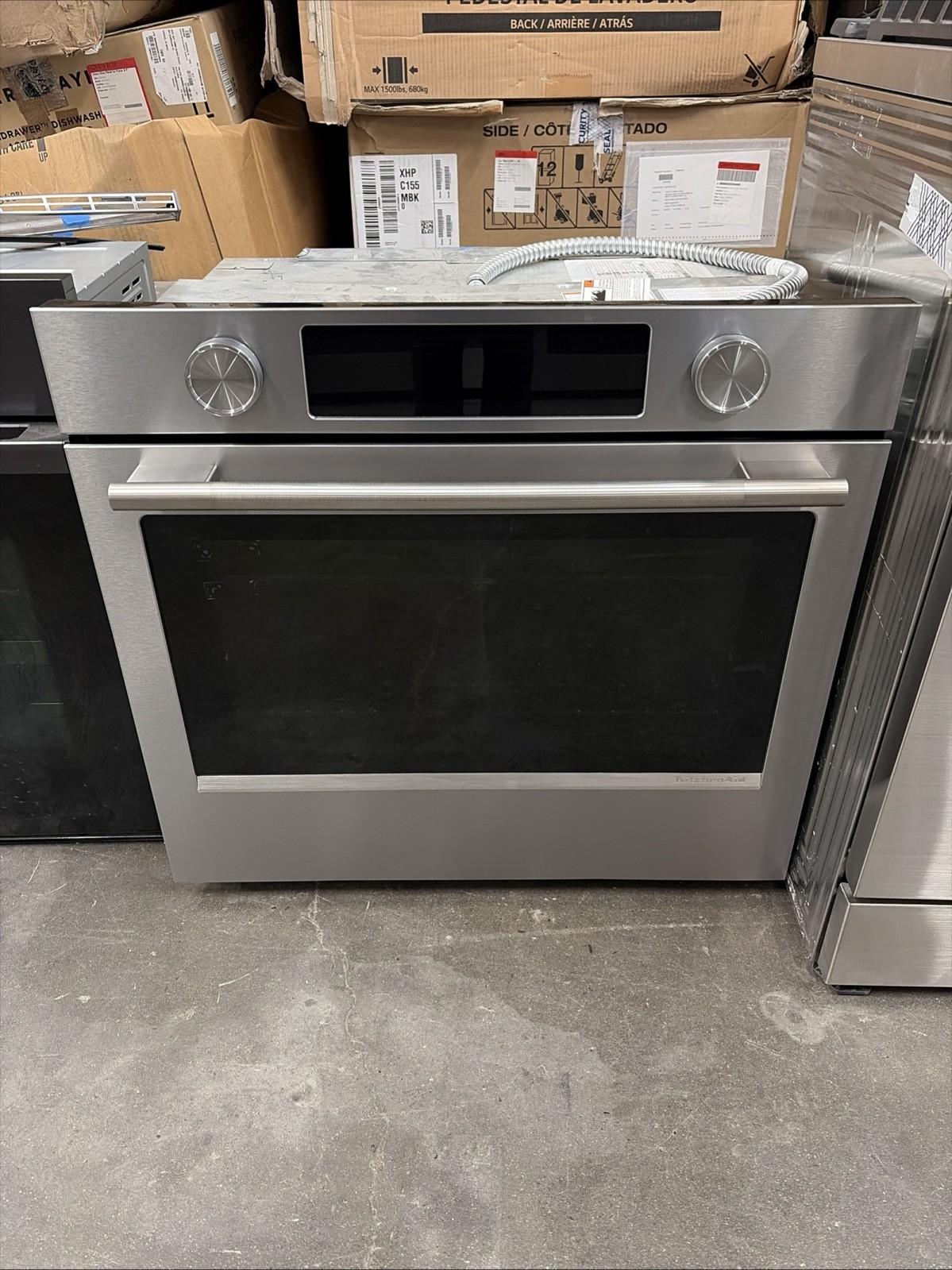

Photos from current listings. Actual item, color, and included accessories may vary.
Smart Oven Buying Guide
A smart oven is a built-in or freestanding cooking appliance that integrates Wi-Fi or Bluetooth connectivity for remote control, guided cooking, and firmware updates. The primary trade-off is between smart-control convenience and core thermal performance: a mid-tier convection element paired with a robust app ecosystem often outperforms a premium 'smart' badge on a weak heating architecture. Choose a smart oven only if you will use remote preheat, probe-assisted cooking, or recipe sync; otherwise, a well-built non-connected oven delivers better heat consistency per dollar.
Key takeaways
- Smart connectivity splits into two tiers: Wi-Fi (remote preheat, notifications, firmware updates) vs. Bluetooth-only (short-range timers and presets, no remote start).
- Convection type determines baking evenness: true European convection (third heating element + fan) outperforms single-fan 'convection assist' found on entry smart models.
- App ecosystems are generation-locked: older Wi-Fi modules may lose support, while newer Matter-compatible ovens integrate with Apple Home, Google Home, and Alexa natively.
At a glance
- Category
- Home Ranges, Ovens & Cooktops
- Last updated
- Nov 28, 2026
Current offers
Highlights
- Smart connectivity splits into two tiers: Wi-Fi (remote preheat, notifications, firmware updates) vs. Bluetooth-only (short-range timers and presets, no remote start).
- Convection type determines baking evenness: true European convection (third heating element + fan) outperforms single-fan 'convection assist' found on entry smart models.
- App ecosystems are generation-locked: older Wi-Fi modules may lose support, while newer Matter-compatible ovens integrate with Apple Home, Google Home, and Alexa natively.
- Temperature probe accuracy and app-guided cook modes (e.g., sous-vide, dehydrate) are the most-used smart features; verify probe inclusion and app recipe depth, not just Wi-Fi.
Best use cases
- Best fit: Busy households that want remote preheat and probe-assisted roasting—pick a Wi-Fi + true convection model with a meat probe and app recipe sync; skip Bluetooth-only units.
- Best fit: Smart-home integrators—choose a Matter-compatible or Works-with-Alexa/Google model with open APIs; skip proprietary-app-only ovens with no third-party integration.
- Wrong fit: Traditional bakers who rarely use a phone in the kitchen—a non-connected oven with mechanical dials and a proven convection element delivers more reliable heat for less complexity.
- Wrong fit: Rental or apartment kitchens with unreliable Wi-Fi—a smart oven's remote features fail without stable 2.4 GHz coverage; prioritize manual controls and a built-in timer instead.
Buying tips
- Verify the convection architecture: true convection (third element + fan) bakes more evenly than fan-assist; check the spec sheet for 'third heating element' or 'European convection'.
- Match Wi-Fi band to your router: most smart ovens require 2.4 GHz; 5 GHz-only networks will not connect without a dual-band router or extender.
- Confirm probe and app feature depth: app-guided cooking with a temperature probe is the highest-value smart feature; ensure the probe is included, not sold separately.
- Check cutout dimensions and power requirements: built-in smart ovens typically need a dedicated 240V circuit and precise cabinet cutout; measure depth, width, and height before ordering.
Specs
| Connectivity | Wi-Fi + Bluetooth / Bluetooth-only |
|---|---|
| Convection Type | True (3rd element) vs Fan-assist |
| Smart Ecosystem | Matter / Alexa / Google / Proprietary |
| Probe Included | Yes / No (sold separately) |
Related searches
What to check before buying
- Measure your cabinet cutout (width, height, depth) and confirm the oven's built-in dimensions match within 1/4 inch; freestanding models need side clearance for doors and handles.
- Verify your home has the required 240V outlet and circuit amperage (usually 30–50A) on a dedicated breaker; smart ovens with high-wattage convection elements may require a 50A circuit.
- Check Wi-Fi signal strength at the oven location (2.4 GHz band) and confirm your router supports the oven's required protocol (WPA2, WPA3, or Matter).
- Confirm the oven ships with a temperature probe and that the companion app is available for your phone OS (iOS/Android) with recent updates; older apps may lack feature parity.
FAQ
Data sources: eBay / Amazon listings and product attribute feeds. Updated Nov 28, 2026.
Some links on this page are affiliate links. If you buy after clicking one, we may earn a commission at no extra cost to you. This does not change which products appear here or their order. Affiliate disclosure.